Your First Sun Session
From opening the app to earning vitamin D — in about 2 minutes.
Video version coming soon
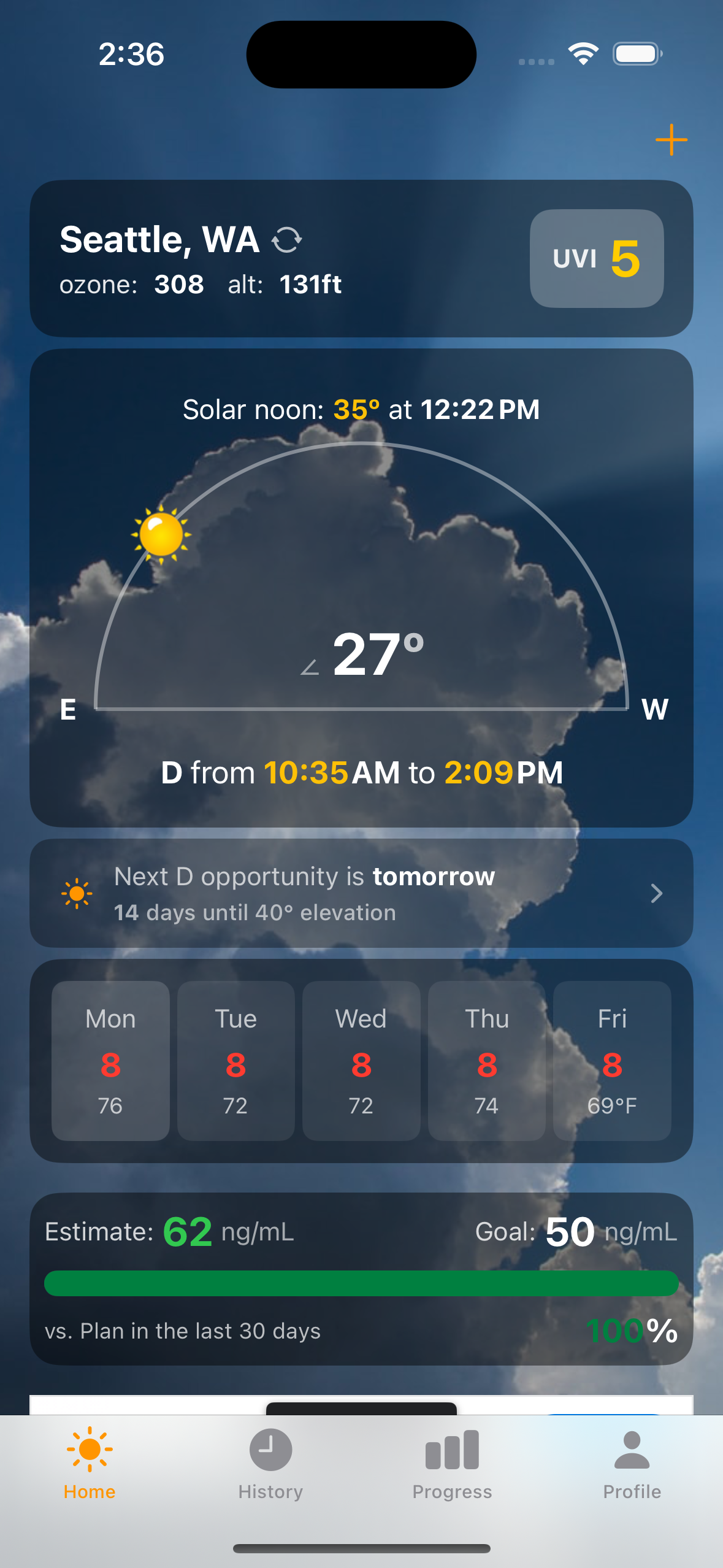
Check the Home Screen
Open D-Minder and look at the solar arc. You'll see the sun's current position, the UV index, and your vitamin D window — the hours when the sun is high enough to produce vitamin D.
Tap "Start Sun Session"
Hit the orange button on the home screen. If the sun is high enough, the timer starts immediately.
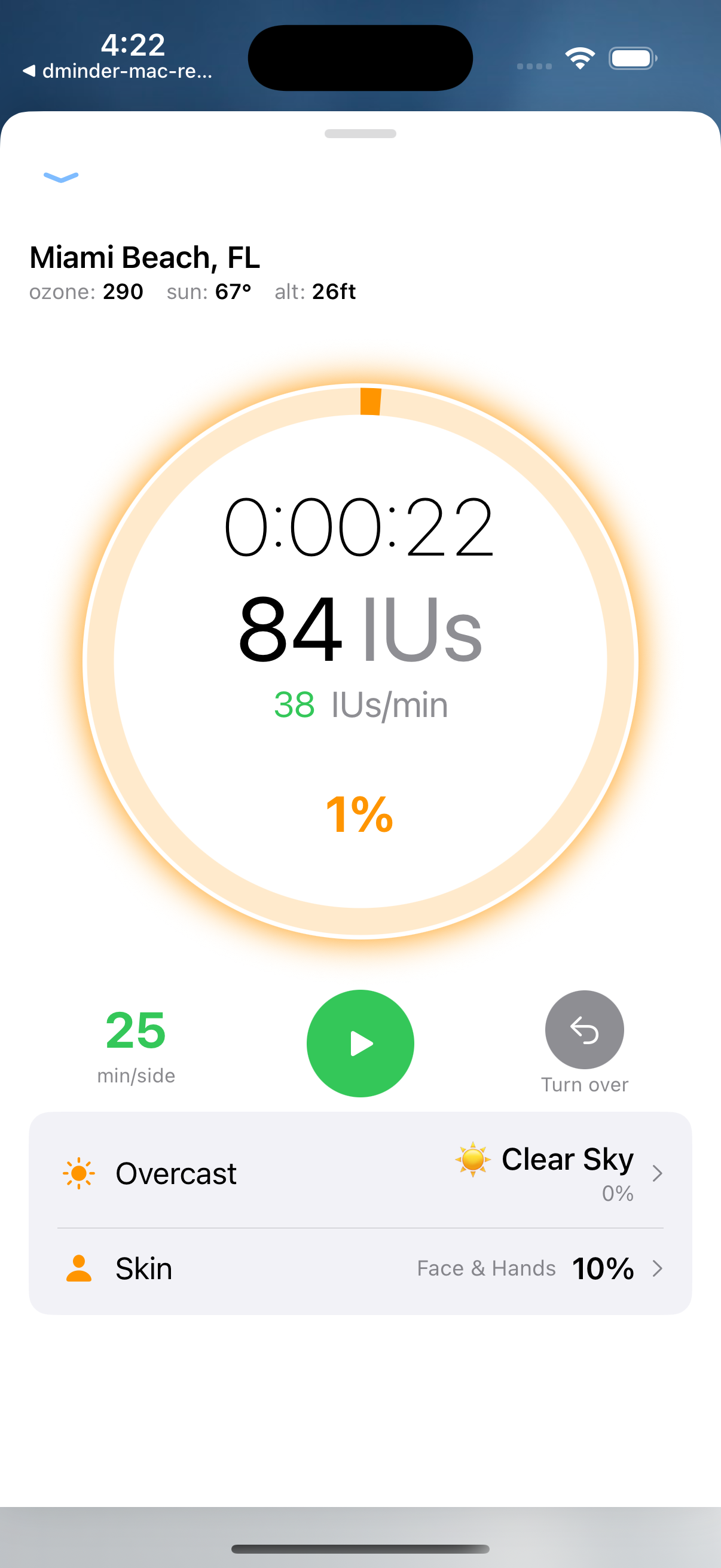
You'll see your current conditions: UV index, solar elevation, ozone level, and your estimated vitamin D production rate.
Set Your Skin Exposure
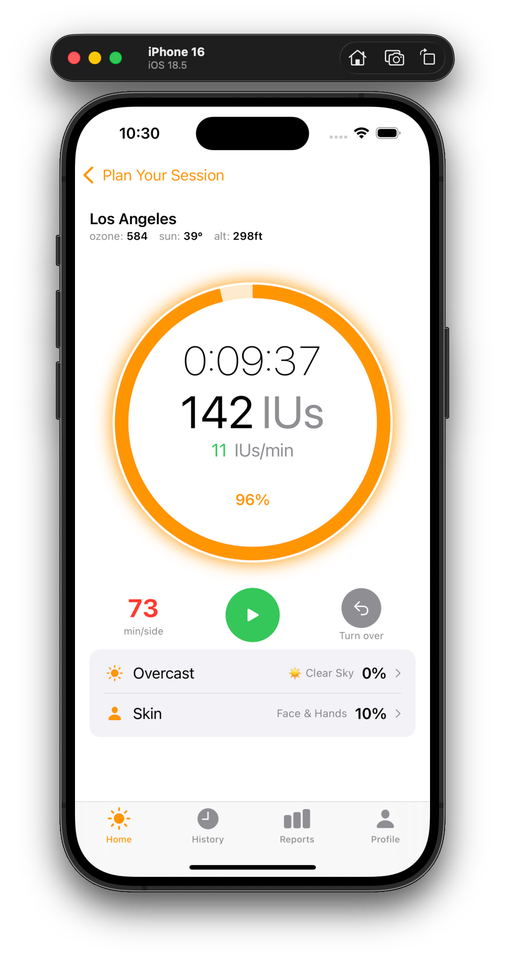
Tap "Skin" at the bottom of the timer screen. Choose how much skin you have exposed — face and hands (10%), shorts and t-shirt (40%), or swimwear (60-80%). More skin = more vitamin D.
Watch the IU Counter
D-Minder tracks your vitamin D production in real-time. You'll see:
IU count — how much vitamin D you've generated so far
IU/min rate — your current production speed
MED timer — how many minutes until your skin type reaches its limit
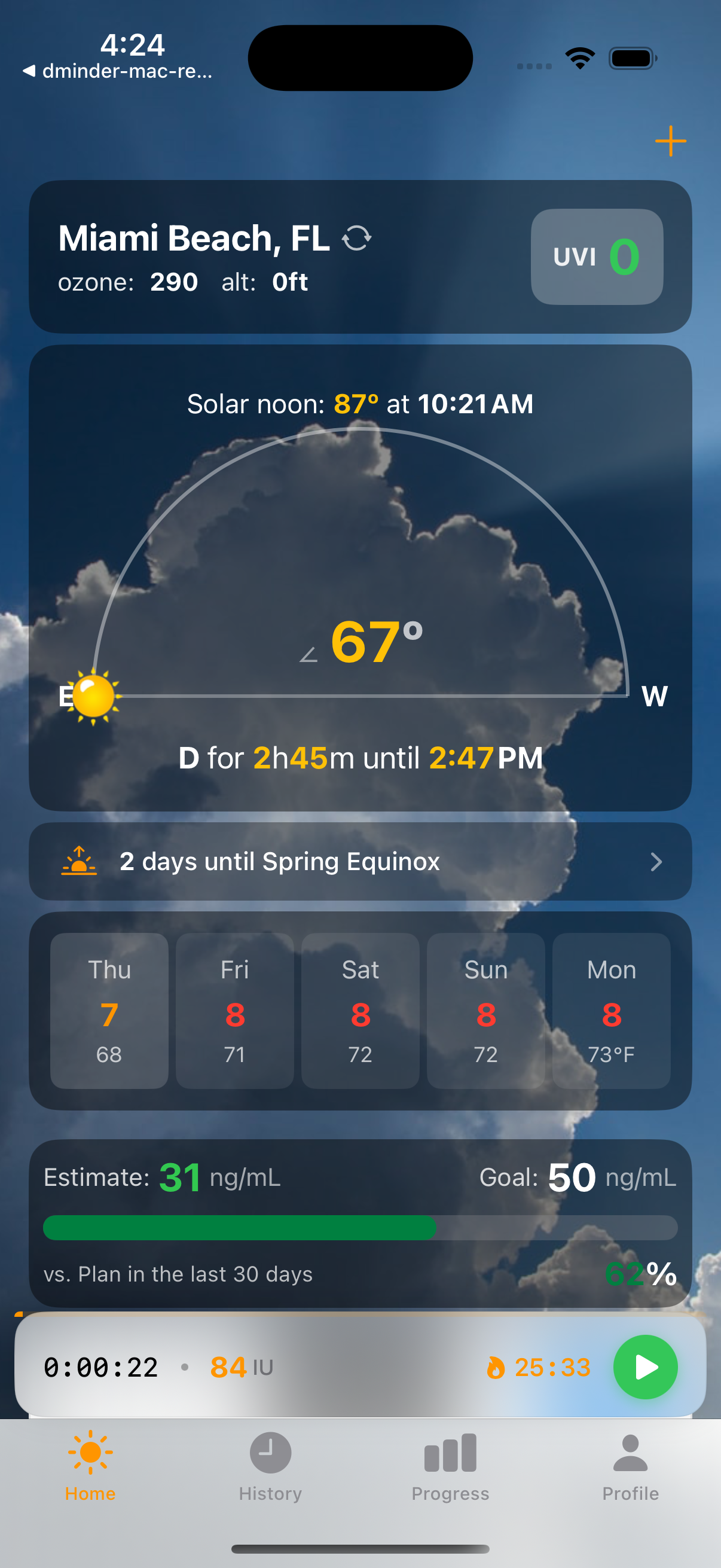
Minimize and Go About Your Day
You don't need to stare at the app. Collapse the timer to the mini-player and switch to other apps. On iPhone, you'll also see your session on the lock screen and Dynamic Island.
Session Complete!
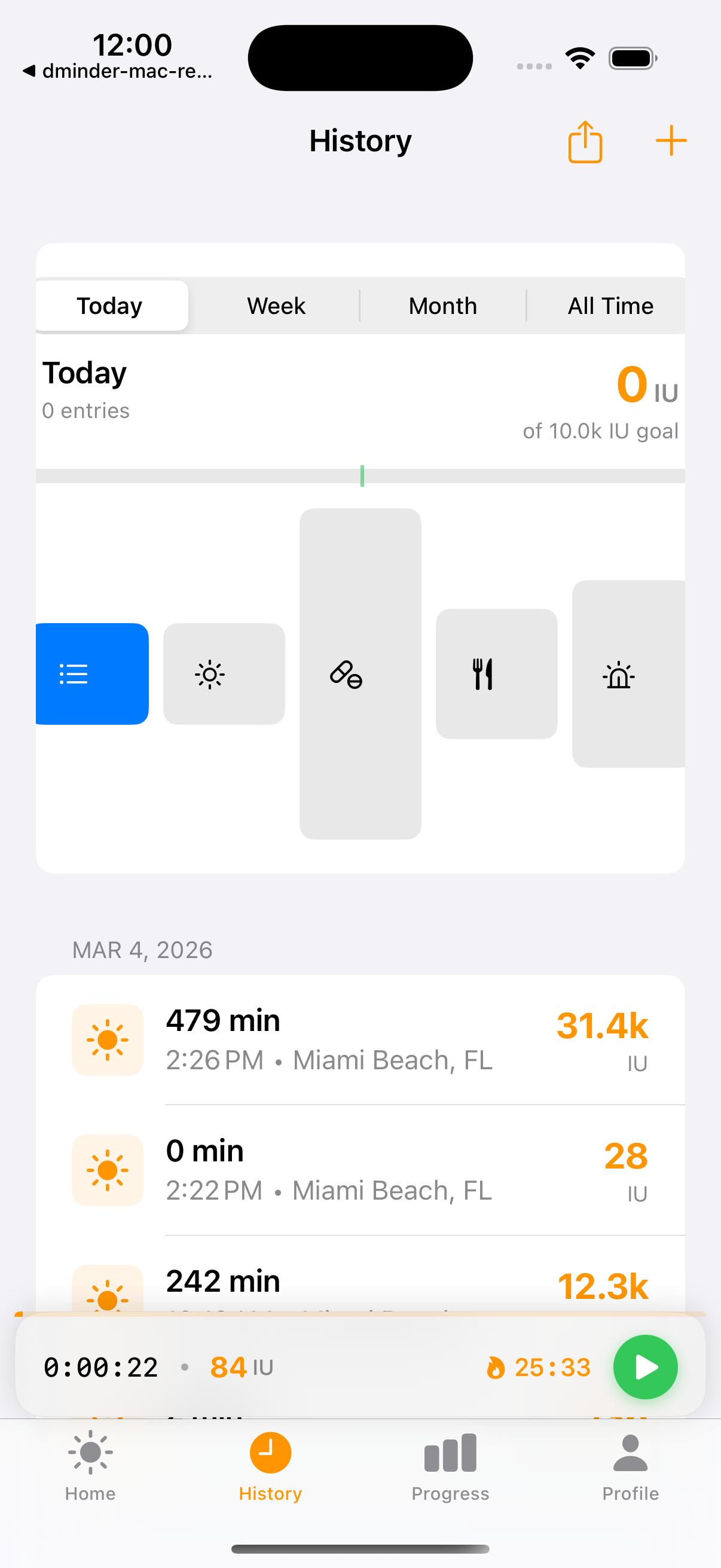
When you stop the session (or it auto-stops at your burn limit), you'll see a summary: total vitamin D generated, duration, average rate, and your progress toward your daily goal.
Share it — tap Share to send your results to a friend
Track it — your session is saved to History automatically
Progress — check the Progress tab to see your streak and badges