Import Your Outdoor Workouts
D-Minder finds outdoor runs, walks, and hikes in Apple Health and estimates how much vitamin D you made — no extra logging.
Takes about 2 minutes to set up
Turn on Import Workouts
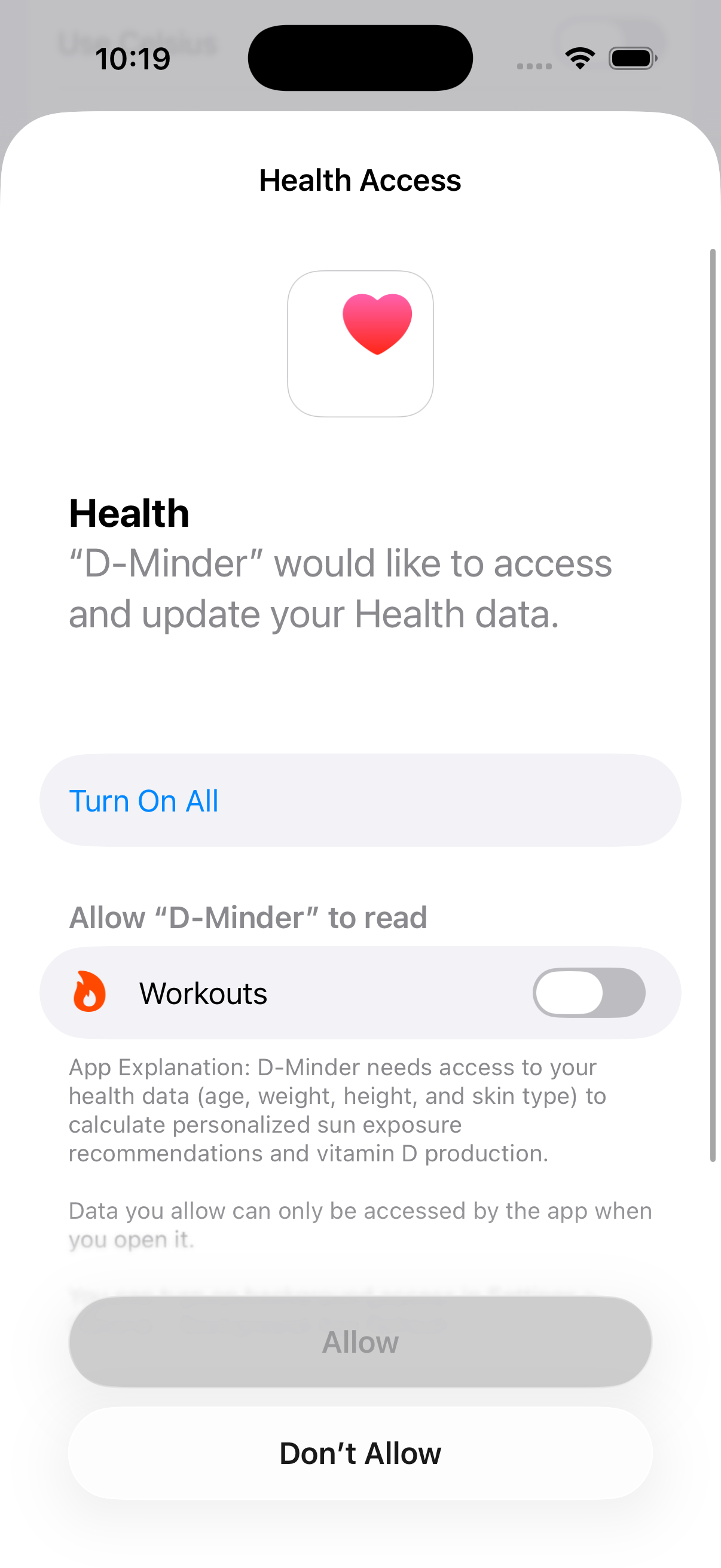
Go to Profile > Settings > Health & Data and tap the Import Workouts toggle. D-Minder asks Apple Health for permission to read your Workouts.
This is a read-only request — D-Minder only asks to read Workouts, never to write anything else, and your workout data stays on your device.
Allow access and see Import Now appear
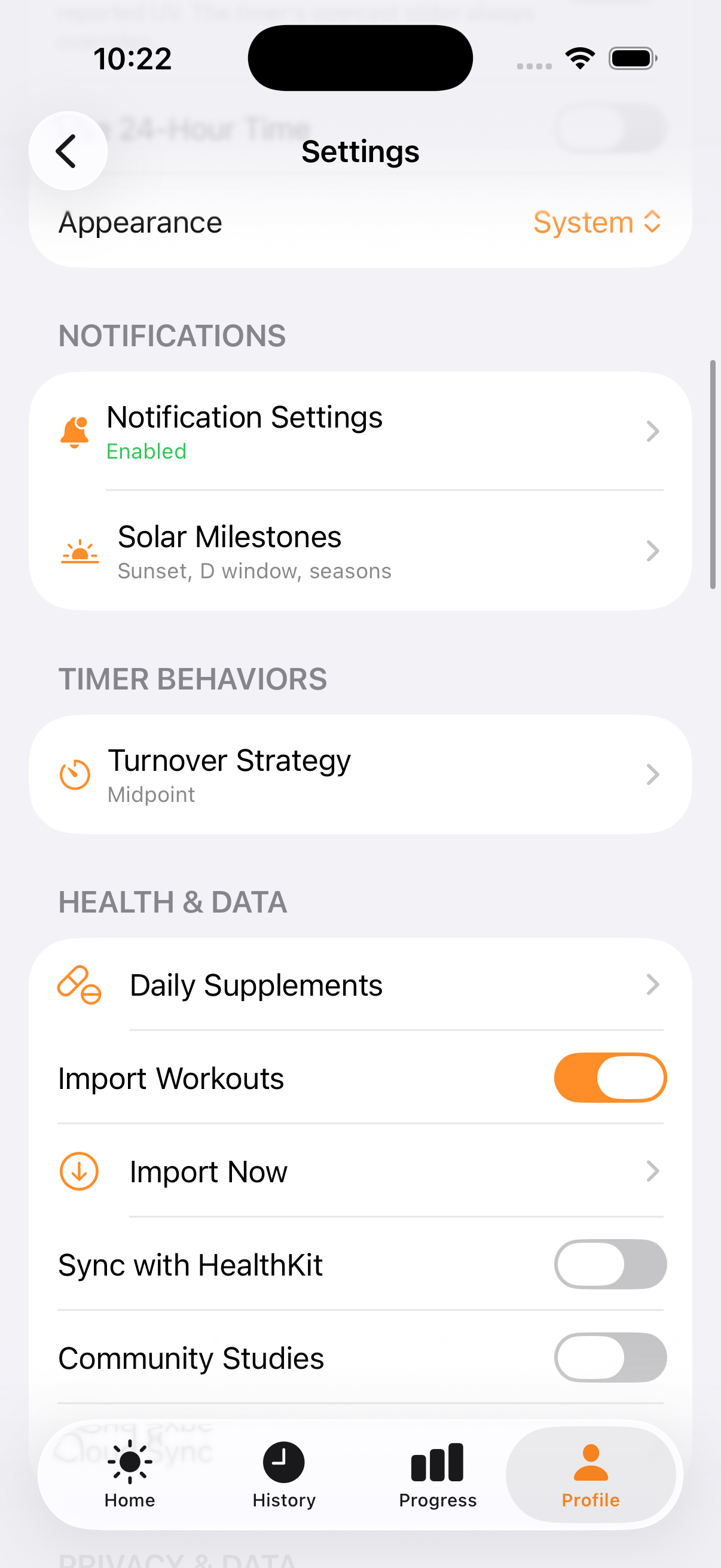
Turn on Workouts and tap Allow. Back in Settings, the Import Workouts toggle turns orange, and an Import Now row appears right below it.
Open Import Now and review what D-Minder found
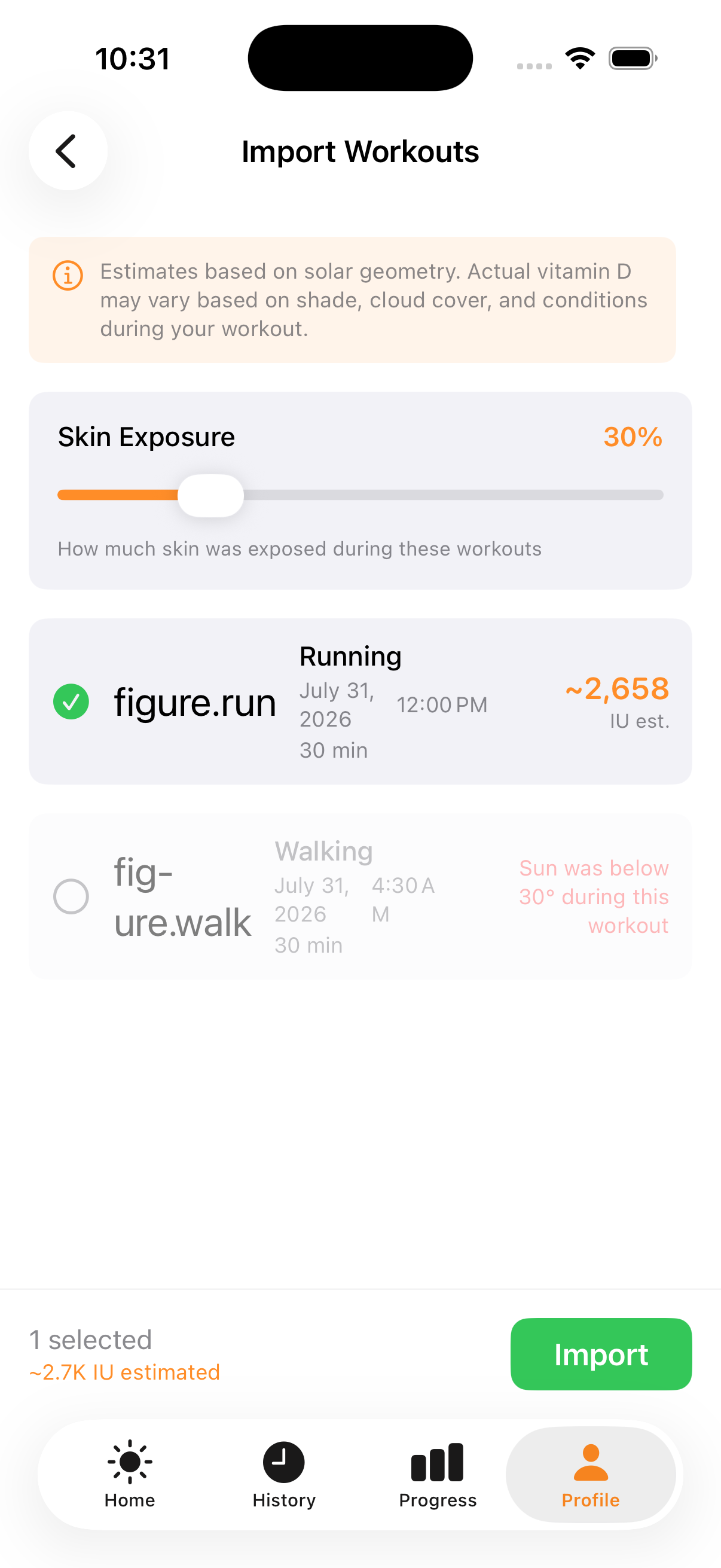
Tap Import Now. D-Minder lists your outdoor workouts from the last 90 days with an estimated vitamin D total for each one — a 30-minute run at solar noon is auto-selected and estimated at about 2,658 IU, while a pre-dawn walk shows why it can't count instead of a guessed number.
Vitamin D production needs the sun above about 30° in the sky. A workout before sunrise, after sunset, or on a low winter sun gets an honest "Sun was below 30° during this workout" instead of a made-up estimate, and can't be selected.
Import your selected workouts
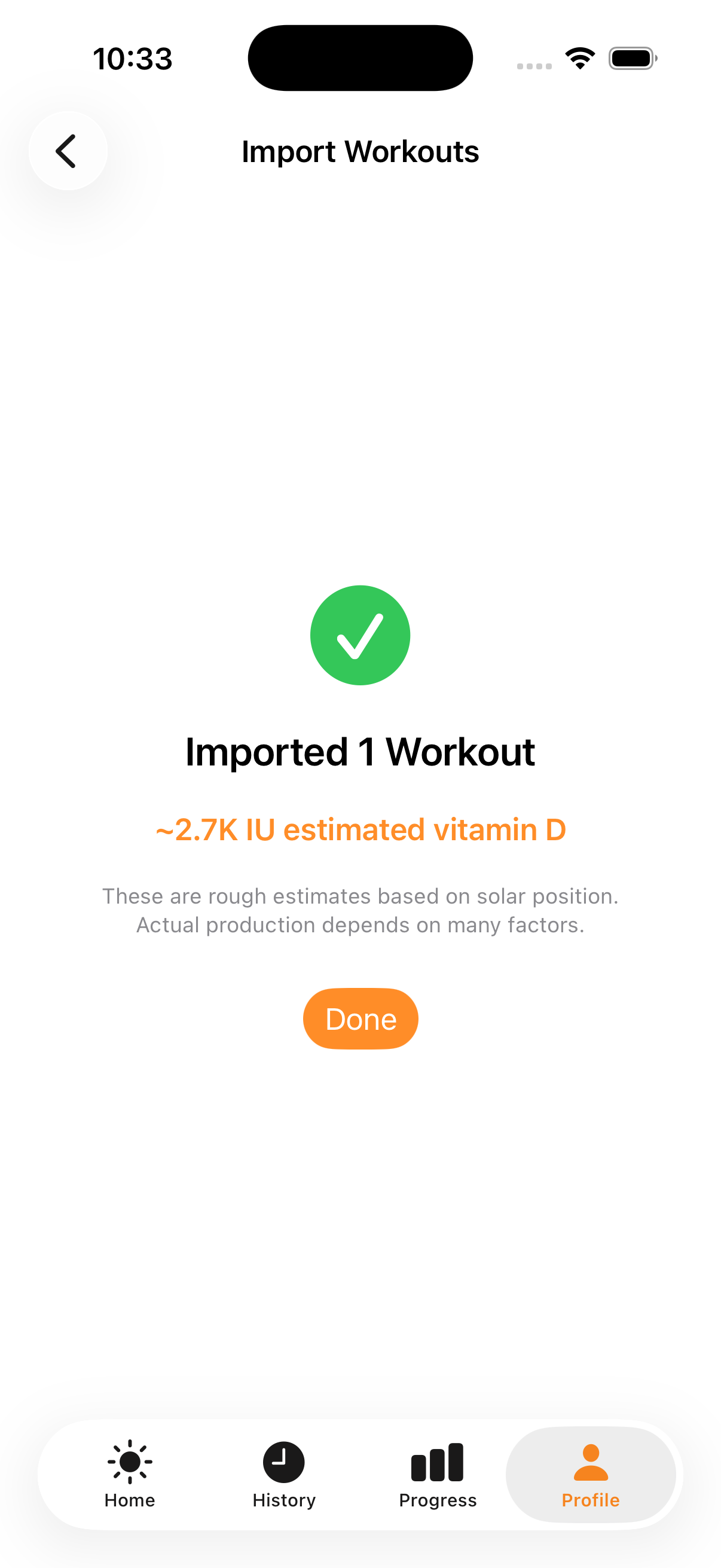
Tap Import. Each selected workout is saved as a sun session with its estimated vitamin D, and shows up in History right away alongside your supplements and sun sessions.